JavaScript: Beginner Level Project
Linear Gradient Color Generator

JavaScript is the world's most popular and powerful programming language. one of the best ways to learn it is by doing more projects.
prerequisite for this project is:
- HTML
- CSS
- Basic JavaScript
In this project, you'll learn about Event listener, Math.floor, Math.random, query selector, and styling in JavaScript.
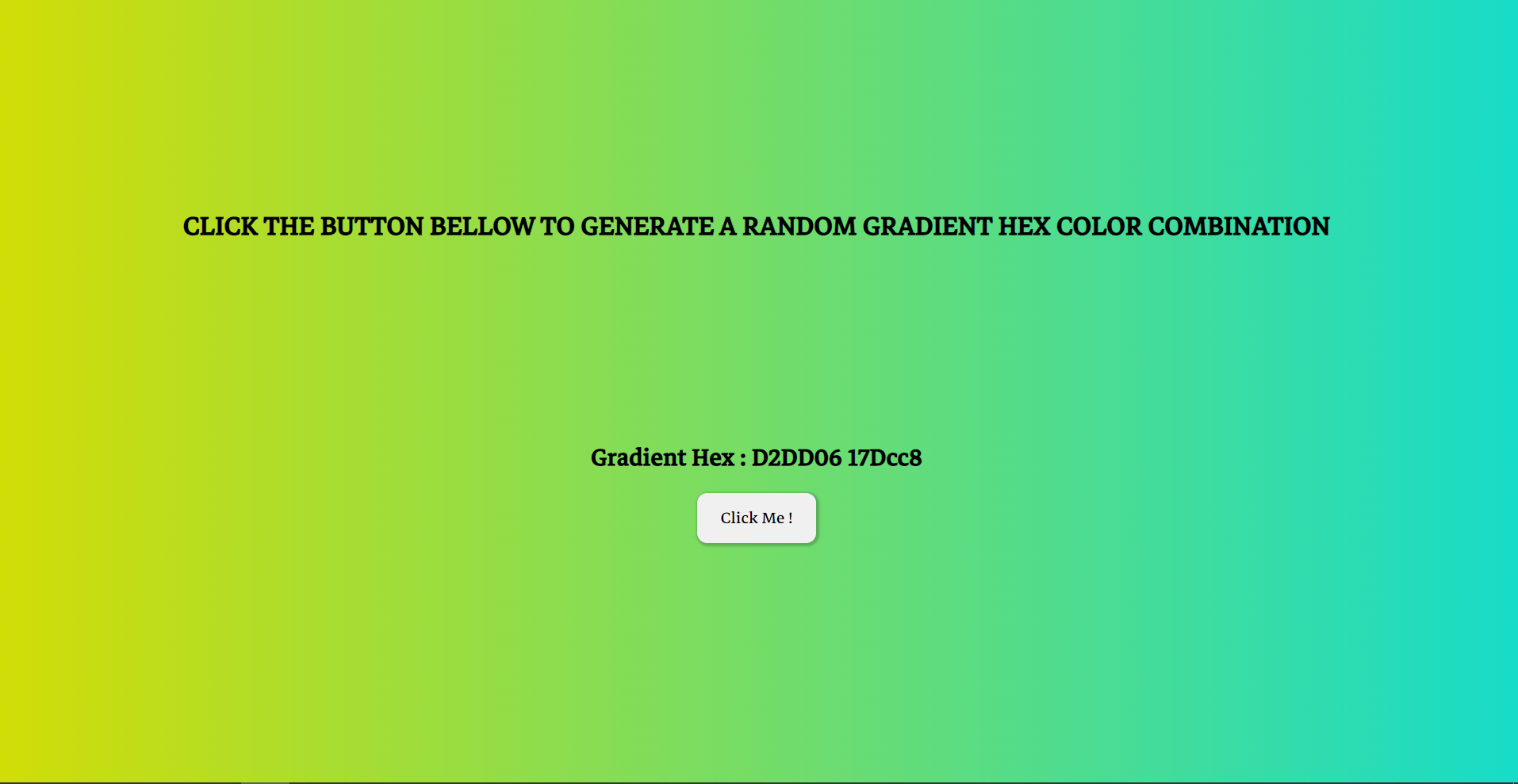
The goal of this project is to change the background color into a gradient look by clicking the button.
JavaScript code for this project
approach for this Project:-
- First you need to select id of element by using querySelector (or getElementById).
- make an array with 0-9 and A-F letters (to create Hex code through this).
- make two empty variables.
- by using a loop, generate 6 random numbers with
Math.random()function and round it with help ofmath.floor()function. - store that value in an empty var.
- use style property to change the background color.
- place var value like this
document.body.style.background=`linear-gradient(to right,#${code},#${shade})`;
document.querySelector("#btn").addEventListener("click",function(){
var hex_num=["0","1","2","3","4","5","6","7","8","9","A","B","C","D","E","F"];

var code='';
var shade='';
for(var i=0;i<6;i++){
    var_rand=Math.floor(Math.random()*hex_num.length);
    var_random=Math.floor(Math.random()*hex_num.length);

    code += hex_num[var_rand];
    shade += hex_num[var_random];
}
document.getElementById("hex").innerHTML=code;
document.getElementById("hex2").innerHTML=shade;
document.body.style.background=`linear-gradient(to right,#${code},#${shade})`;
});
Live Website :live version of this project